Rebuilding the Digital Experience for a Complex Gym Offering

A case study in turning a fragmented digital presence into a scalable web, product, commerce, member access, and campaign system for HCI Sports & Fitness.

A Complex Fitness Facility, Rebuilt as a Connected Digital System.

Membership, pricing, tours, programs, access, and campaigns were redesigned as one connected journey, from first impression to conversion to daily use.

The Rebuild

HCI did not need a visual refresh alone. It needed a connected system that could explain the facility, convert prospects, support members, and make new products, programs, campaigns, and operational updates easier to launch.

  • Role

    Product Designer, leading the end-to-end digital rebuild. I led the digital side of the rebuild end to end, turning user needs and business requirements into product strategy, site architecture, responsive UI, design systems, prototypes, Framer and React implementation, member access, campaign surfaces, CRM handoffs, launch support, and ongoing iteration.

Part 1 – Website System

A Clearer Digital Front Door.

The site reframed HCI around the decisions prospects actually make: what it is, what they can do there, how membership fits, and what happens next.

Homepage and Navigation

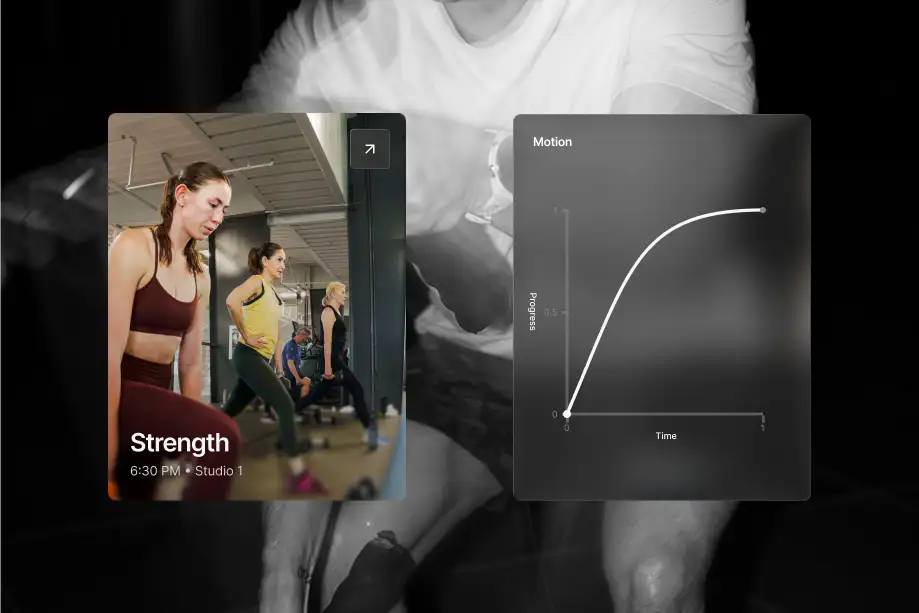
The homepage had to communicate HCI's scale. Full-bleed space, motion, and sharper hierarchy built product comprehension before the membership decision.

Membership Conversion

Membership follows a guided purchase journey. Value, fit, action, and follow-up create a clear path toward conversion.

Studio and Schedules

Live schedules support the buying decision. Class data appears in context as a customer-facing product surface.

Mobile Page System

Mobile behavior set the design priorities. Fast scanning, strong hierarchy, and visible next steps shaped the responsive system.

Sports and Programs

Programs use a reusable page system. Shared components and content rules support faster launches across new offerings.

Custom Components and Proxies

The design continued through implementation. Custom React components and third-party integrations kept the shipped experience aligned with the design intent.

Part 2 – Member Product

The Member Access Layer.

After signup, the experience needed to carry members from account access to the front desk without feeling like a handoff between disconnected vendors.

App Experience

The app anchors the member experience. Schedules, access, and account actions connect the product experience beyond signup.

Wallet Pass

Wallet access reduced arrival friction. Apple and Google Wallet passes made daily entry faster and kept a high-frequency touchpoint on-brand.

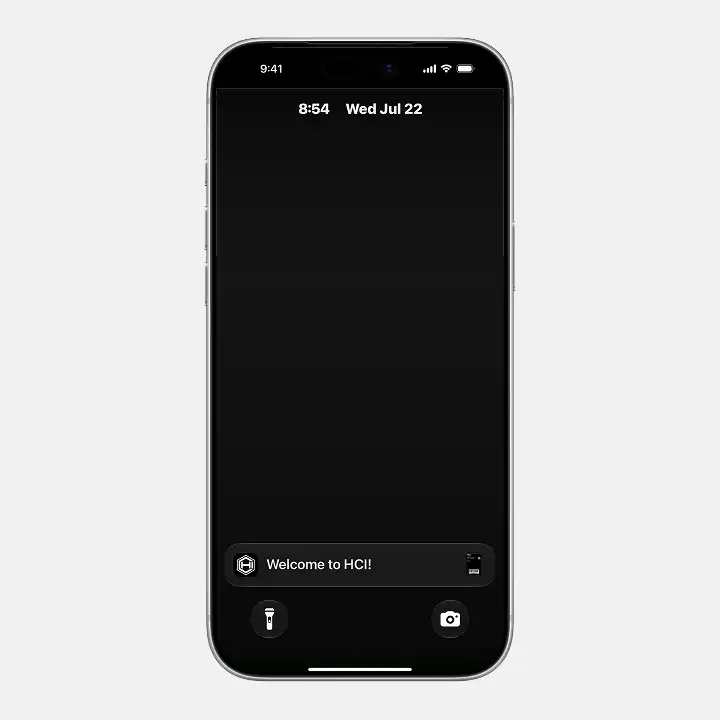
Custom Login

Pass setup preserves the HCI experience. A custom loading screen bridges the third-party handoff and maintains trust during download.

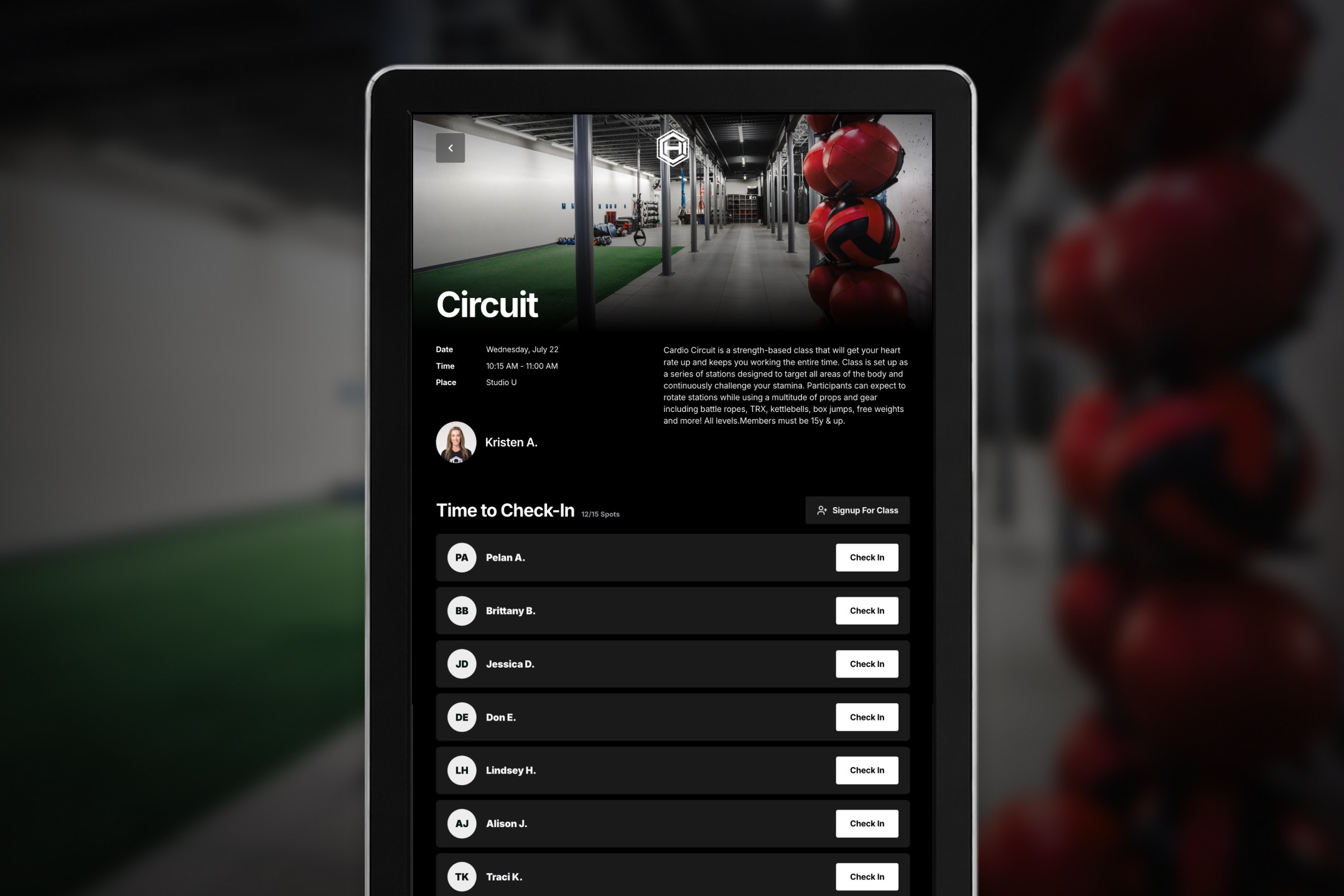
Secure Studio Check-in

Class check-in runs through a custom kiosk site. The configurable web experience adapts to HCI's classes and front desk workflows.

Part 3 – Program Discovery

Making Programs More Visible.

Classes, sports, courts, camps, and childcare each use a format suited to how people compare and choose them, held together by one navigation and component system.

Studios

Classes show as live schedules on the site. Members can scan times and styles in context without leaving for a separate tool.

Sports are organized around how people browse. A user-facing information architecture groups programs by sport across HCI's internal departments.

In-facility kiosks surface live availability. A custom interface translates court and turf data for people choosing what to do on arrival.

KidCare has a dedicated destination. The information architecture reflects how families understand childcare and camps as a distinct part of membership.

One mobile component supports multiple programs. Shared structure keeps navigation familiar while tailored buttons adapt the pattern to each task.

Part 4 – Growth and Brand

A Reusable Growth and Brand System.

The same design and content system extended into campaigns, lifecycle email, landing pages, social, print, app communications, and CRM follow-up.

Studios

Email and landing pages share one campaign system. Mobile-first layouts keep the message and visual language consistent from inbox to conversion.

Reusable modules made launches faster. Shared offer patterns, image treatments, and content rules replaced one-off campaign design.

Communication operates as a product surface. Structured newsletters connect events, schedules, offers, and operational updates across the member lifecycle.

Lead capture introduced automation into the sales workflow. I partnered with sales to connect incoming forms with trackable follow-up.

Where It Stands

From a Static Presence to a Living System.

HCI now has a digital foundation that reflects the scale of the facility and can support new products, programs, campaigns, member tools, and operational workflows without starting over.

View Live Site
App screen 1
App screen 2
App screen 3
App screen 1
App screen 2
App screen 3
App screen 1
App screen 2
App screen 3
App screen 1
App screen 2
App screen 3
App screen 1
App screen 2
App screen 3
App screen 1
App screen 2
App screen 3
App screen 1
App screen 2
App screen 3
App screen 1
App screen 2
App screen 3
App screen 1
App screen 2
App screen 3
App screen 1
App screen 2
App screen 3
App screen 1
App screen 2
App screen 3
App screen 1
App screen 2
App screen 3